
Power BI
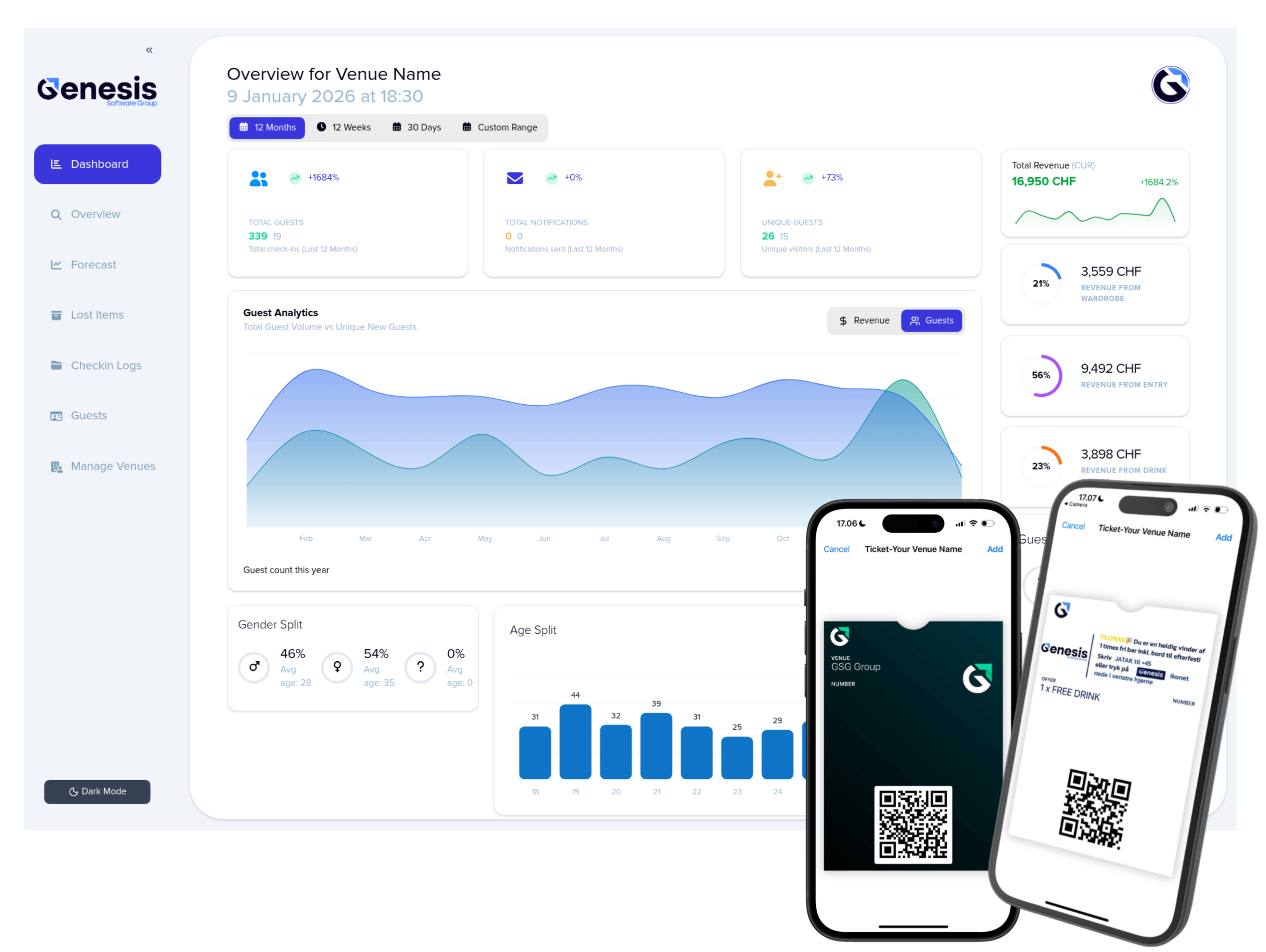
Integrate Wardrobe Manager data into Power BI and visualize guest activity, demographics, and performance in real time.
Step 1: Request API Access
Contact our team to activate your Power BI integration. We’ll help you define which data sets you want to pull—such as guest activity, demographics, operational metrics, and ticket insights—and provide secure API credentials for your venue.
Step 2: Receive Your Custom Endpoints
Once access is granted, we’ll supply you with the specific REST API endpoints you need. Each endpoint is tailored to your venue’s reporting requirements and comes with documentation on filters, parameters, and authentication.