January 7, 2026
Digital Event Management for Venues: Create Invite-Only Events, Validate Guests & Track Performance
A complete guide to managing venue events digitally — from creating invite-only guest lists and validating access at the door, to sending scheduled invites via SMS, email, and wallet notifications, and tracking event performance afterwards.
Digital Event Management for Venues: Create Invite-Only Events, Validate Guests & Track Performance
Running a successful venue isn’t just about what happens inside the walls — it’s about how well you can plan events, control access, communicate with guests, and measure results afterward.
Most venues still rely on scattered tools: a spreadsheet for the guest list, a messaging platform for invites, and a manual process at the door. That approach works… until you have a packed venue, VIP guests arriving late, and staff trying to validate names while keeping the line moving.
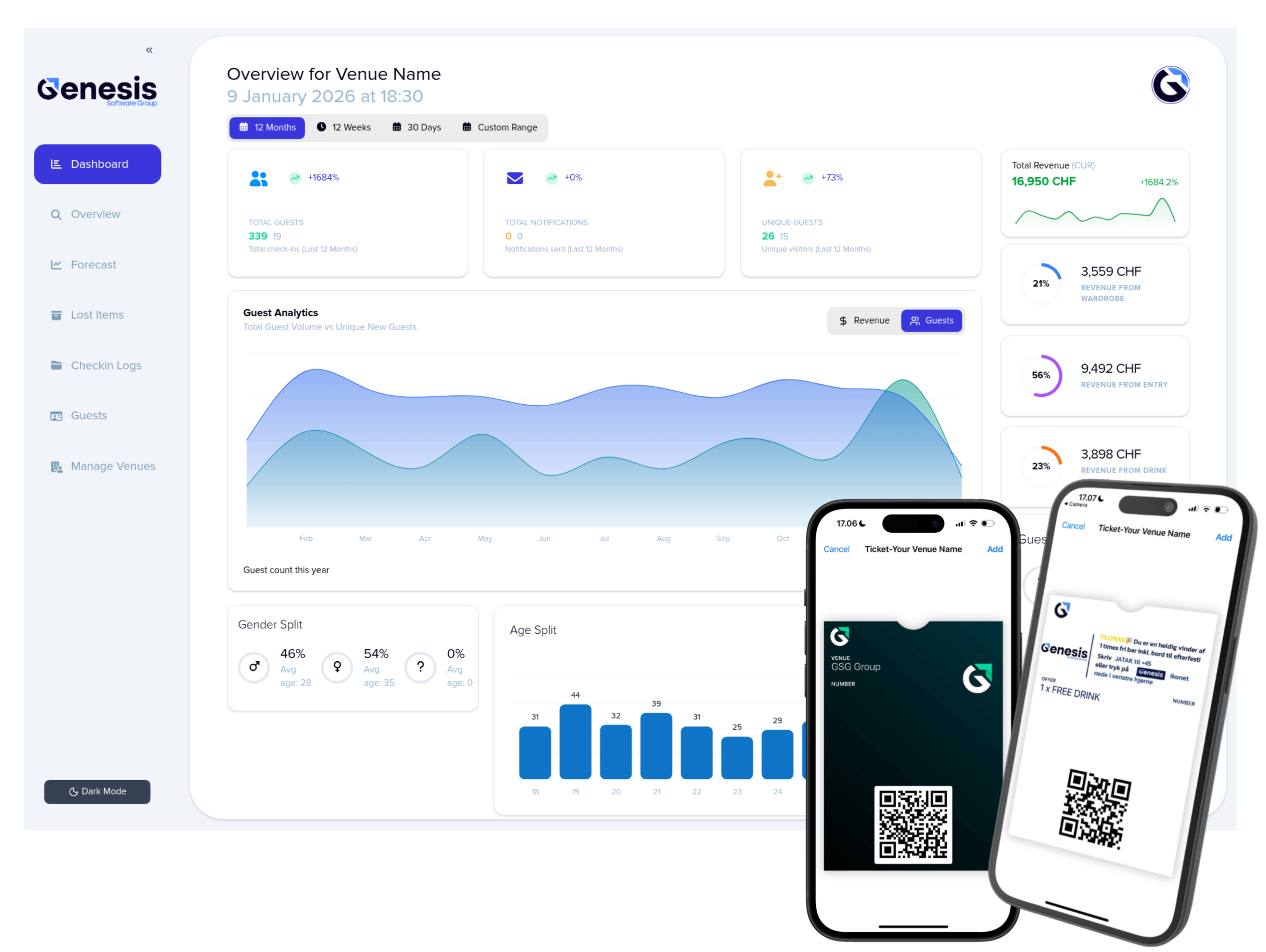
With Wardrobe Manager, event management becomes a built-in part of your digital guest journey — from invite to validation to performance tracking — all through wallet tickets and direct messaging.
Why Digital Event Management Matters for Venues
Events drive revenue. But they also create operational pressure:
- Who is allowed in?
- How do you invite the right people?
- How do you validate access at the door without delays?
- How do you know if your promotion actually worked?
A digital system helps venues replace manual workflows with a **single, trackable flow** that improves both guest experience and operational control.
Here is How You Can Create an Event in Minutes
Inside Wardrobe Manager, venues can create events directly in the dashboard.
When you create an event, you can:
Add a name
Give the event a clear title, such as:
- “Friday Night Guest List”
- “Invite-Only VIP Lounge”
- “New Year’s Pre-Party”
- “Private Sponsor Event”
Select the event duration
Define exactly when the event occurs by selecting:
- Start time
- End time
- Event date(s)
This ensures your invitations and validation rules apply only during the event window.
Choose Who Can Attend: Everyone or Invite-Only
The key difference between a regular event and a controlled event is access.
Wardrobe Manager lets you decide:
1) Everyone
The event is open to all guests.
Everyone can receive a notification about the event.
2) Invite-Only
Only invited guests are allowed.
This is perfect for:
- VIP tables
- Private parties
- Guest list events
- Brand activations
- Influencer nights
- Invite-only launches
Invite Guests (Invite-Only Mode)
When an event is invite-only, you can invite guests directly from inside the system.
You can invite:
- Individual guests
- Multiple guests in bulk
- Segments (ex: guests who visited 3+ times)
Each invited guest becomes marked as approved for the event.
Validate Guests at the Door (Invite-Only)
At the door, bouncers and staff can validate invites instantly.
How it works:
1. Guest arrives and shows their wallet ticket
2. Staff scans the ticket using the Wardrobe Manager scanner
3. The system confirms:
- ✅ Invited / Allowed
- ❌ Not invited / Not allowed
This creates a fast, clear validation flow that prevents:
- Guest list fraud
- Screenshot abuse
- Fake name entry
- Argument-based access attempts
And because validation happens through scanning, there’s no manual checking - just a yes/no response.
Notify Guests Automatically (Invite-Only or Public Events)
A digital event only works if people actually show up.
That’s where automated notifications come in.
Wardrobe Manager lets venues notify guests:
- Only invited guests (invite-only mode)
- All guests (public mode)
Schedule When the Invite or Notification Should Be Sent
Instead of sending invites manually, you can schedule them.
For example:
- Send invites 3 days before the event
- Send reminders on the day
- Send last-minute updates 2 hours before doors open
This ensures communication happens at the right time - even if you’re busy.
Choose Channels: SMS, Email, or Wallet Notifications
Wardrobe Manager supports multiple marketing channels so your message reaches guests no matter what.
SMS (with custom sender ID)
Send SMS messages with a custom alphanumeric ID as the sender, for example:
- `YOURVENUE`
- `WARDROBEMGR`
- `NIGHTCLUB`
This increases trust and recognition.
SMS is ideal for:
- urgent reminders
- guest list confirmations
- last-minute offers
- “Doors open now” messages
Email is ideal for:
- longer event information
- links to event details
- branded invitations
- recurring newsletter-style promotion
Wallet Notifications
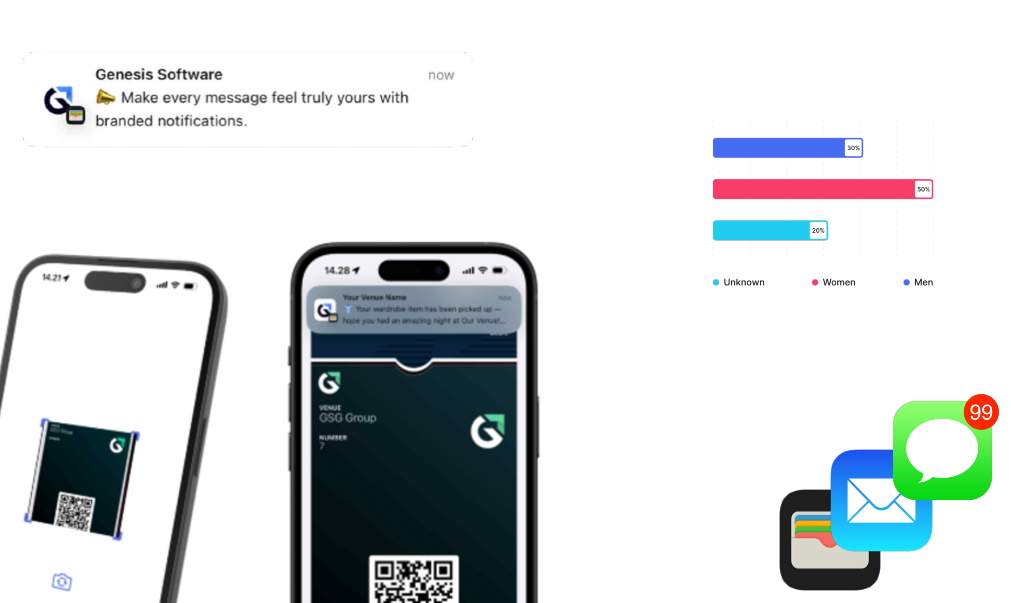
Wallet notifications are one of the strongest channels because they land directly inside the guest’s mobile wallet - the place where they already store tickets.
These notifications include:
- your venue’s logo
- your venue’s name
- event updates
- reminder prompts
Wallet notifications feel like service updates, not spam - which makes guests far more likely to open them.
Add Your Promotional Message
Each notification campaign can include your custom message.
Examples:
- “You’re invited to our VIP guest list this Friday. Show this ticket at the door.”
- “Doors open at 22:00 — skip the line with your wallet ticket.”
- “You made the list 🎉 Show your ticket at entry to get access.”
The message can be adapted depending on the channel and the type of event.
Track Performance After the Event
Once the event ends, Wardrobe Manager shows performance stats so you can measure real results — not guesses.
You can track:
✅ Who attended
See exactly which guests showed up.
✅ Who was invited but didn’t attend
This helps you optimize future guest lists and reduce wasted invites.
✅ Who attended but wasn’t invited
This shows:
- door overrides
- list breaches
- access leaks
✅ Gender split
Understand demographic composition of attendees.
✅ Age split
Learn which age groups responded best to your event promotion.
Why This Feature Changes How Venues Run Events
Traditional event promotion is:
- hard to manage
- impossible to track
- easy to abuse
- disconnected from reality
Digital event management turns events into a structured, measurable system where:
✅ invites are controlled
✅ validation is instant
✅ communication is automated
✅ performance is visible
It becomes a repeatable event workflow that helps venues grow revenue - and reduce operational stress.
Conclusion
With Wardrobe Manager, venues can:
- Create events in minutes
- Choose between public or invite-only access
- Invite guests directly through the platform
- Validate invited guests instantly at the door
- Notify guests automatically via SMS, email, or wallet notifications
- Schedule communication ahead of time
- Track performance after the event with real attendance and demographic stats
It’s not just event promotion — it’s a digital event system built for venue operations and marketing.
Want to see it in action?
Book a meeting and we’ll show you how Wardrobe Manager can power invite-only events, guest validation, and performance tracking for your venue.